
How to update your Salesforce credential
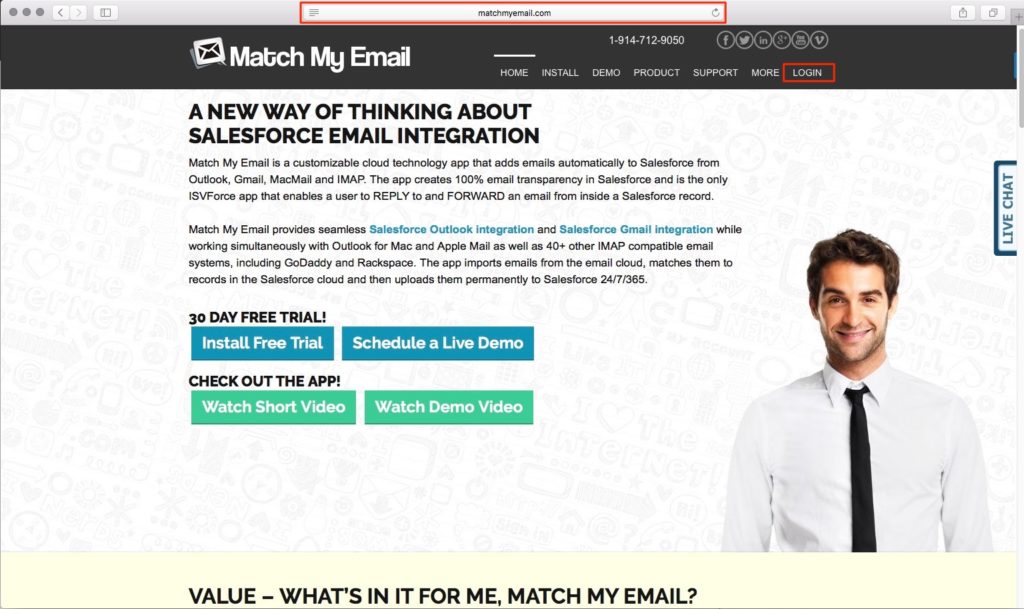
helpH2 These steps are only necessary for those using IMAP-authenticating Accounts in which the Email Cloud interface shows a blue menu bar at the top. To update your Salesforce credential: 1 – Sign in to Match My Email by clicking the web tab in Salesforce (or through the Lightning App Launcher). An alternative way to […]
How to update your IMAP email password
helpH2 If you change your email account password or enable multi-factor authentication and you use an IMAP connection for Match My Email, then that connection will break. You or your account Admin should receive an alert from our system that you need to update your IMAP password. If your Match My Email account has a […]
OVH.net
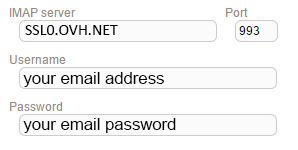
helpH2 IMAP SETTINGS DURING ACCOUNT SIGNUP IMAP SETTINGS on IMPORT TAB Please note on the IMAP server host name, it is 3 letters “SSL” followed by the number zero, a “.” and the 3 letters OVH ending with .NET. You can find specific information about IMAP settings for OVH.net Hosted Exchange on their […]
OVH.net Hosted Exchange
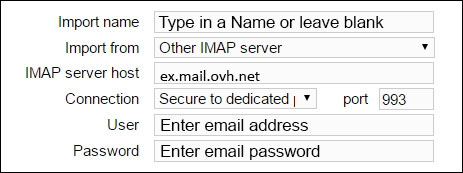
helpH2 IMAP SETTINGS DURING ACCOUNT SIGNUP IMAP SETTINGS on IMPORT TAB You can find specific information about IMAP settings for OVH.net Hosted Exchange on their website. For assistance or questions, please contact support@matchmyemail.com.
Installation Error: “The ActionID specified was invalid for ActionType Quick Action”
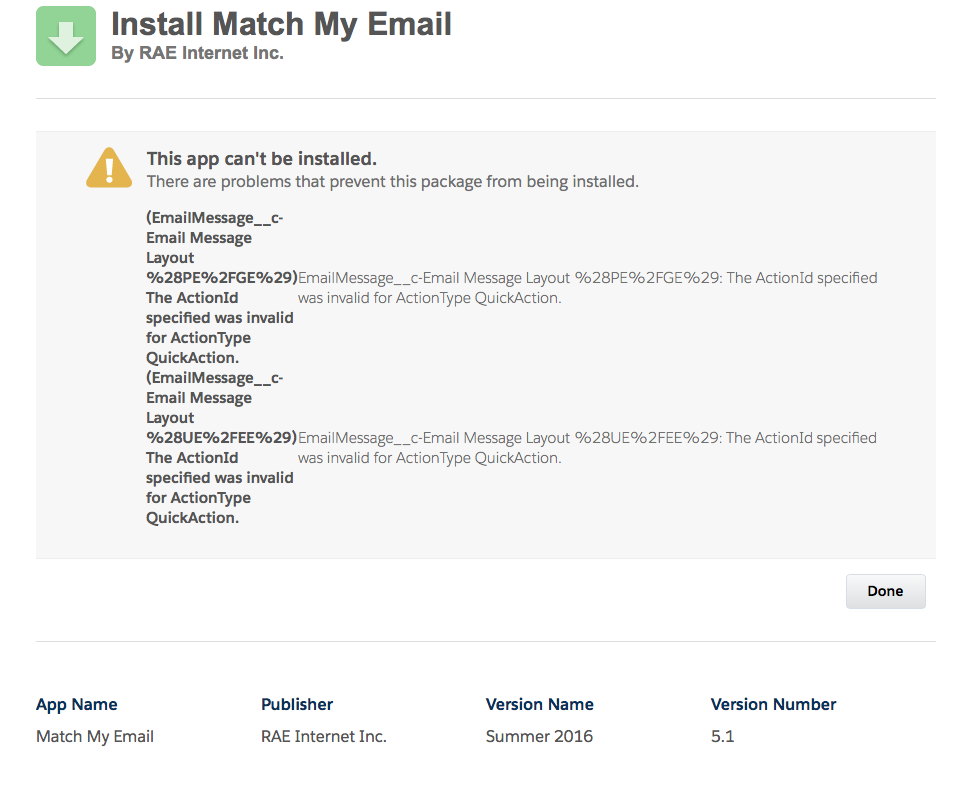
helpH2 Prior to installation of the managed Match My Email package, it is necessary to enable Chatter and Actions in Publisher. If this is not done, an error can result of “The ActionID specified was invalid for ActionType Quick Action”. To fix, please go to Salesforce Setup > App Setup/Build > Customize > […]
123Reg
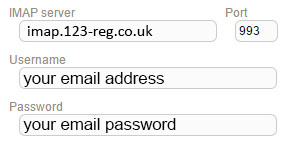
helpH2 IMAP SETTINGS DURING ACCOUNT SIGNUP IMAP SETTINGS on IMPORT TAB You can find specific information about IMAP settings on the 123Reg website here. For assistance or questions, please contact support@matchmyemail.com.